Introduction
A domain registrar transfer may seem like a simple hand-off: release the domain from one registrar and accept it at another. But a live website depends on more than the company that manages the domain registration. DNS, hosting, email and account access all play a part. Confusing these services can turn a routine transfer into an avoidable outage.
A smooth domain registrar transfer changes where the domain is managed while the website and email continue to work as before. That depends less on speed than on knowing which settings will change, preserving the ones you need and checking everything before closing the old account.
How the registrar, DNS and hosting differ
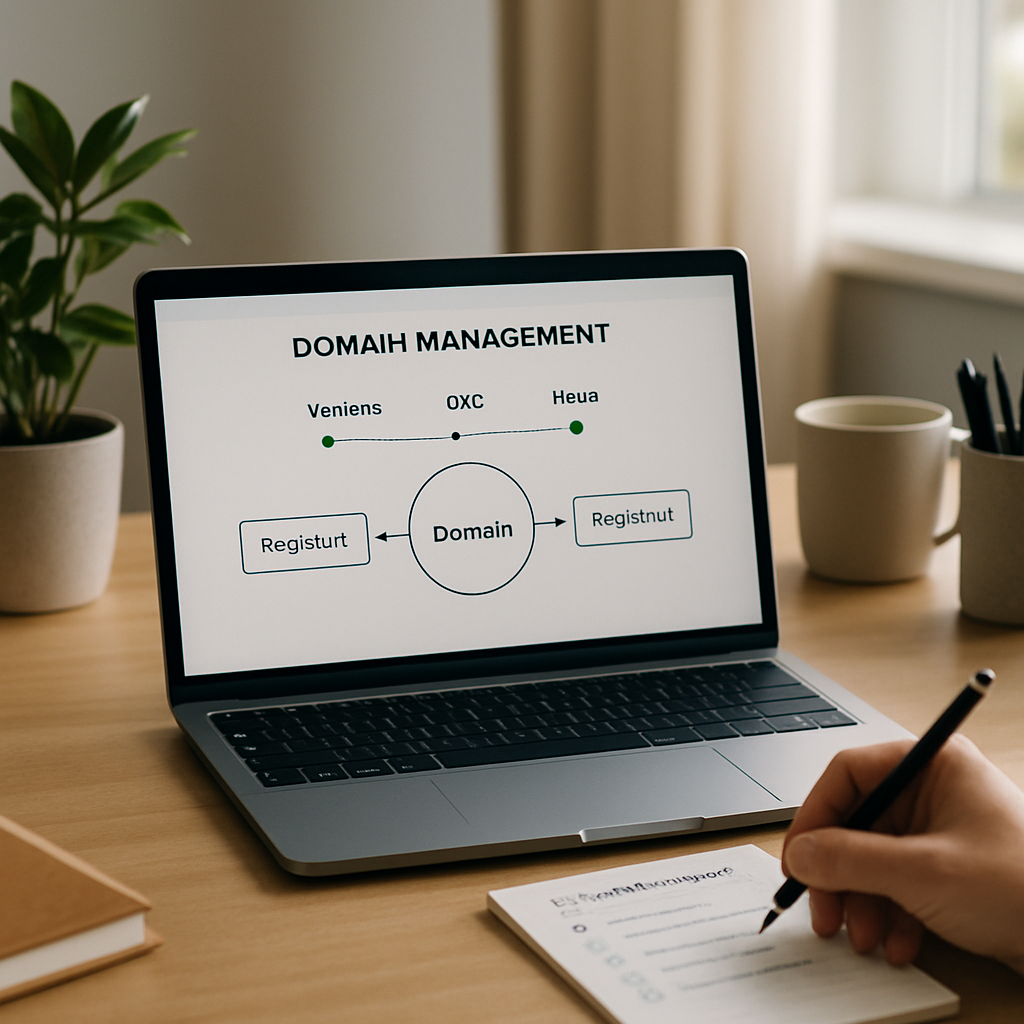
These are three separate services. The registrar manages the domain registration and account controls. DNS directs browsers and mail systems to the domain’s services. Hosting stores and serves the website’s pages and files. One company may provide all three, but each has a different role.
A domain registrar transfer changes who manages the registration. It does not copy website files, migrate a database, move an email inbox or replace DNS records. If your site and email use separate providers, they can stay there while the registration moves.
First, find out who hosts the authoritative DNS. If your nameservers point to an independent DNS provider, a domain registrar transfer may leave your records unchanged, as long as the new registrar retains the same nameserver settings. If your current registrar also provides DNS, confirm that the records will remain available after the transfer. Do not assume they will transfer automatically.
Problems arise when the domain’s DNS depends on a service the owner does not realize is involved. A website may work perfectly until its nameservers change or its old DNS service is removed. Check for this dependency before starting the domain registrar transfer.
Key factors
Start by recording the current nameservers and active DNS settings, including records for the website, email and any connected services. You do not need to change them; keep a copy so you can restore the configuration if the new registrar’s control panel is blank or shows different settings. This preparation supports a domain registrar transfer without disrupting services.
Check that you can access both registrar accounts and the email address used for transfer notices. If a confirmation message goes to an outdated address or is missed, the domain registrar transfer may be delayed, even though the website remains online.
Most domains must be eligible for transfer and prepared at the current registrar. This usually means completing a domain unlock and getting a transfer authorization code, also called an auth code. Steps and labels vary, so follow the instructions in both accounts rather than guessing which security settings to change before the domain registrar transfer.
Security measures help prevent unauthorized transfers. Keep them in place until you are ready, then make only the changes the domain registrar transfer requires. Avoid changing nameservers, contact details and other settings at the same time unless necessary. Making fewer changes at once makes problems easier to identify.
Choose a time when you can monitor the domain and respond to approval requests. Consider the transfer timing and avoid starting just before a launch, a major site update or a period when no one can access the relevant accounts. A domain registrar transfer can take time, depending on the registrars and applicable domain rules, so do not count on an exact completion time.
Before submitting the domain registrar transfer, confirm the new registrar’s DNS arrangements. If you plan to keep your current DNS provider, make sure you can retain or enter the same nameservers. If you are also moving DNS, treat it as a separate migration: recreate and verify the records first, then change the nameservers in a controlled step. Avoid redesigning DNS during the registrar transfer.
Use a domain transfer checklist: confirm account access; identify the DNS host; save the current nameservers and DNS records; check website and email dependencies; complete a domain unlock when ready; get the transfer authorization code; and review all approval requests. This checklist helps keep a domain registrar transfer organized. Once the transfer is complete, check the domain status and nameservers in the new account, then test the website and email separately.
Keep the old registrar account and related services available until you have confirmed the new setup works. Do not cancel hosting or DNS just because the registration has moved. Keeping these services active is an important part of website downtime prevention during a domain registrar transfer. Close the old account only when you are sure it no longer supports a service the domain needs.
Example: preventing website downtime
Suppose a website’s hosting and email are working reliably, and only its domain registration is moving to a new provider. The owner records the DNS configuration, confirms where DNS is hosted and leaves the nameservers unchanged. They then complete a domain unlock, get the transfer authorization code and submit it through the new registrar.
While the transfer is pending, the site continues to use the same DNS provider and hosting account. The owner monitors transfer notices, responds to confirmation requests and checks the domain status and nameservers in the new account after the domain registrar transfer. Only then do they consider changing DNS or hosting.
By contrast, transferring the domain, changing nameservers and canceling the old service all at once can cause problems. If a record is missing or the new DNS zone is not ready, the site may appear to have a hosting issue even though its files are intact. Separating these changes is a practical website downtime prevention measure: it makes problems easier to find and helps protect the site during the domain registrar transfer.
Conclusion
A domain registrar transfer changes who manages the registration; it does not move the website. Keep the distinction in mind, preserve the DNS configuration that currently serves the site, and treat email and hosting as separate services unless you plan to migrate them too.
Prepare account access, record the current settings, complete the domain registrar transfer steps and check that the live services work before retiring anything. When each service is handled separately, the domain can change hands without visitors noticing.